
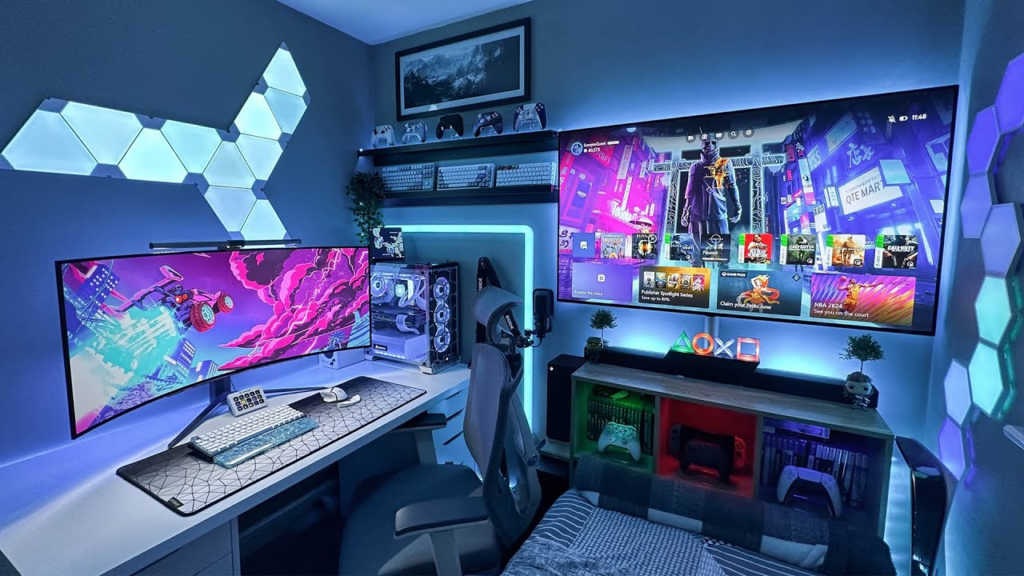
Ever sat down to play your PS5 and thought, “This could be so much better”? I know I have. My first setup was a corner of the living room—wires everywhere, glare on the TV, and the cat kept walking over my controller. Not ideal. Moving to a dedicated PS5 gaming setup room completely changed my experience.
Here’s the thing: it’s not about spending a fortune. It’s about making your space comfortable, immersive, and practical. Small tweaks can make your sessions longer, more enjoyable, and less frustrating.
Picking the Right Space
Not every room is perfect. You want a spot away from distractions, with decent ventilation and preferably a door. Noise can break immersion. I tried playing near the kitchen once—every beep and clatter ruined my focus.
Lighting is surprisingly important. Too bright, and your screen washes out. Too dark, and your eyes strain. I ended up installing soft LED strips behind my TV and a small desk lamp nearby. The mix keeps it cinematic at night but bright enough during the day.
Pro tip: if your room has windows, blackout curtains are lifesavers. You won’t believe how much glare can kill a session.
TV or Monitor?
This is where people get hung up. Big TVs are amazing for story-driven games, but monitors give faster refresh rates and smoother gameplay. I had a 55-inch 4K TV and loved it… until I played shooters. Lagged input and motion blur were frustrating. Switching to a 27-inch 4K monitor at 120Hz made a huge difference—smooth, crisp, and still immersive.
Placement matters too. Your eyes should be level with the screen, not craning up or down. Slight tilt is fine. And cable management? Don’t skip it. Tangled wires kill the vibe fast.
Seating That Actually Works
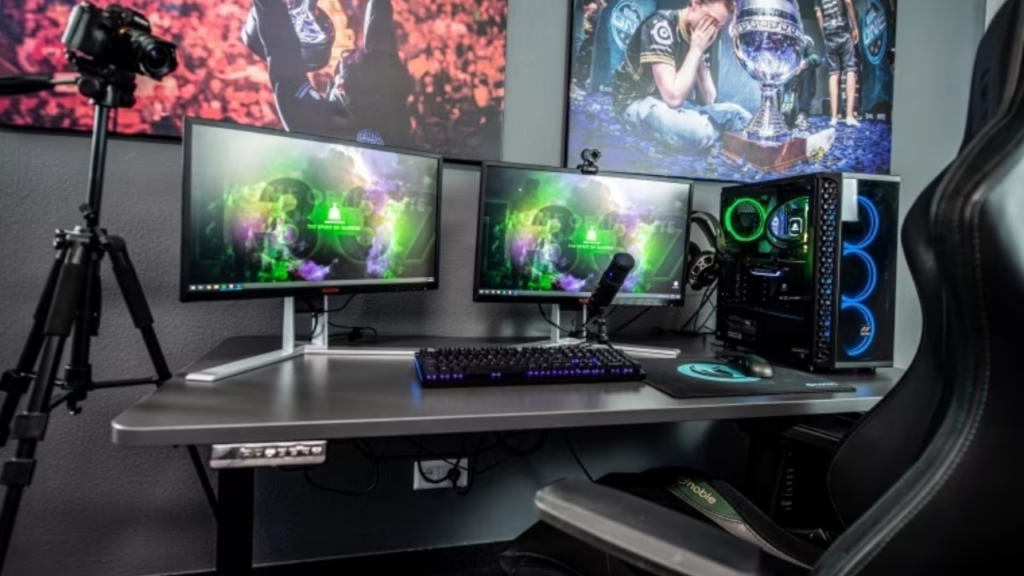
Cheap chairs are the silent enemy of a good PS5 setup. I tried a folding chair once—it lasted thirty minutes before my back revolted. High-backed gaming chairs with lumbar support are worth every penny. Comfort matters more than style.
Some folks swear by recliners. Imagine this: a horror game on your PS5, dim lights, slightly reclined—you’re in another world. Comfort = immersion.
Controllers, Headsets, and Accessories
A PS5 setup isn’t just about the console. Controllers, charging stations, and headsets all play a role. I had one cheap headset and kept missing audio cues in multiplayer games. Upgrading made a world of difference.
Organize your accessories. Shelves, small drawers, or wall racks keep your setup clean. Tripping over cords mid-game is a mood killer, trust me.
Sound Matters
PS5 3D audio can elevate your gameplay. I started with a simple soundbar—compact, good enough for casual play. Then I tried a 5.1 surround system. The difference? Footsteps, ambient sounds, explosions—it felt like I was inside the game.
Soft furnishings help too. Rugs, curtains, and wall hangings reduce echo and improve clarity. Even a small change, like a rug under your chair, can make in-game sounds pop.
Ambient Lighting and Mood
RGB lights aren’t just for show. Subtle LED strips behind the TV, under shelves, or along furniture make a room feel alive. Dimmable overhead lights give flexibility. Horror games? Red lighting. Casual sessions? Bright white. Small tweaks, huge impact.
Pro tip: sync your lights with the game mood if possible. Many LEDs can do it automatically—it’s a small investment for immersion.
Cable Management: Don’t Ignore It
Messy cords are a setup killer. I started loose and constantly tripped. Cable clips, sleeves, and labeling cords—HDMI, USB, power—made a huge difference.
It’s not just functional; a clean setup looks professional and organized. And honestly, it feels better every time you sit down.
Personal Touches
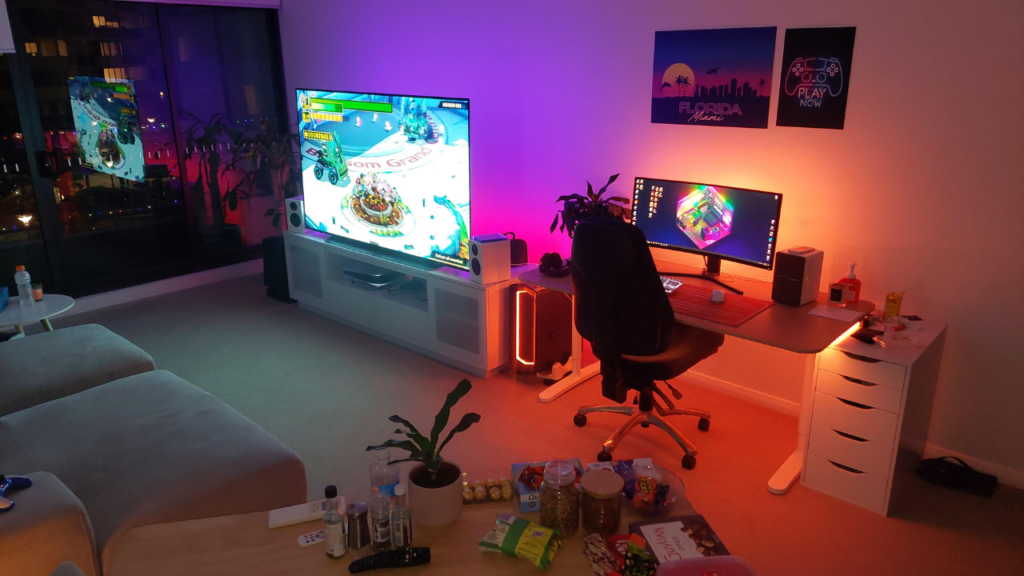
Your setup should reflect you. Posters, figures, collector editions—it’s your room. I added a small shelf with my favorite figurines and a framed poster. Every session reminded me why I game beyond leaderboards.
Mini story: friends came over and noticed the setup. The conversation started. Suddenly, the room felt alive and welcoming.
Ventilation and Comfort
PS5s heat up, and small rooms trap it. A small fan in the corner improved comfort instantly. Airflow is key for long sessions and console longevity. Humidity matters too. A plant or humidifier can subtly improve the room’s environment.
Future-proof your setup: leave extra outlets, shelf space, and modular lighting for VR kits, new accessories, or console upgrades.
Quick PS5 Gaming Setup Essentials
- Comfortable, ergonomic seating
- Right display (TV or monitor)
- 3D audio system or quality headset
- Organized accessories and cable management
- Ambient lighting
- Ventilation and comfort
- Personal touches
Focus on these, and your PS5 gaming setup room becomes more than a corner—it becomes a space you’ll never want to leave.
Making Your Room Future-Ready
Gaming tech evolves quickly. Keep flexibility in mind. Modular furniture, adjustable lighting, and extra ports ensure your setup grows with your gear. Today’s PS5 room can adapt to tomorrow’s VR headset or new controller designs.
The Takeaway
A PS5 gaming setup room isn’t just a console corner—it’s a personal, immersive space. Thoughtful seating, lighting, sound, and organization transform gameplay. Start simple, tweak over time, make it yours. Once it clicks, every session feels effortless, immersive, and unforgettable.